
Income by Customer Reports: Master Your B2B Revenue Analytics | Invopoint

Track customer income, manage B2B invoices, and accelerate payments across USA, UK, and Europe. Get real-time revenue insights with Invopoint’s free SMB tools.
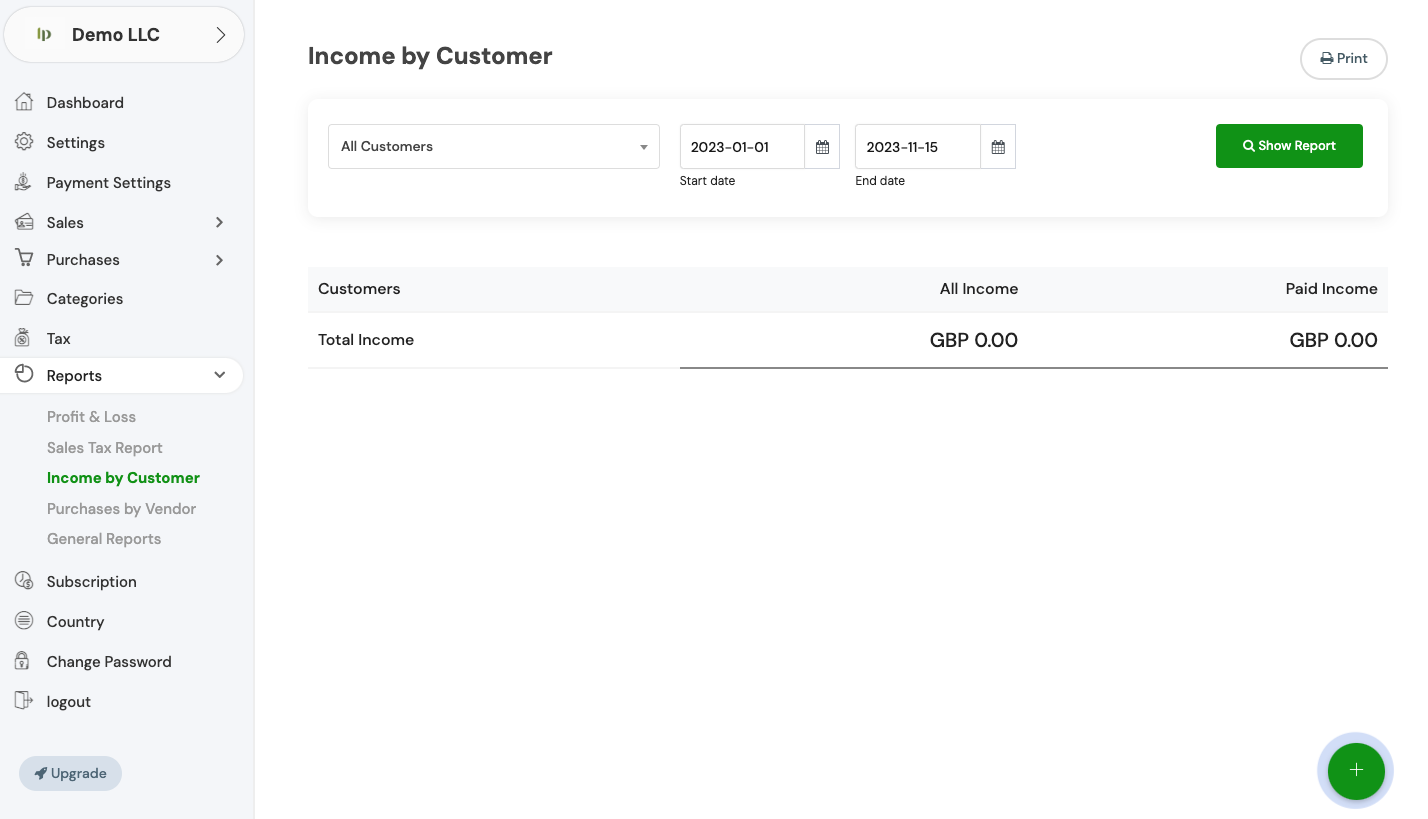

Strategic Revenue Insights for SMBs in USA, UK, and Europe

Maximize Profitability with Advanced Income by Customer Reports

Invopoint transforms your billing data into actionable intelligence. Our Income by Customer Reports provide deep visibility into client-specific revenue trends, helping SMBs across the USA, UK, and Europe identify top-tier accounts and eliminate payment bottlenecks. Seamlessly track paid vs. outstanding balances and leverage integrated Stripe or PayPal support to ensure your most profitable customers stay on track with lightning-fast online payments.

Banner image

Invopoint: Global Trust in Numbers

500K

Satisfied SMBs

1.2M+

Invoices Sent

80+

Global Markets

4B+ USD

Revenue Managed

Smart Tools to Scale Your Business Revenue

Comprehensive B2B Invoicing & Financial Intelligence

Customer Revenue Tracking

Customer Revenue Tracking

Unlock detailed income reports and client performance metrics designed for precise financial forecasting and accounting.

Professional B2B Invoicing

Professional B2B Invoicing

Generate and send unlimited professional invoices with automated tracking and client management features.

Global Payment Integration

Global Payment Integration

Reduce DPO by accepting secure payments via Stripe and PayPal, fully optimized for international B2B transactions.

Real-Time Cash Flow Data

Real-Time Cash Flow Data

Monitor your business health with live dashboards that visualize revenue growth and outstanding receivables.

Localized Market Support

Localized Market Support

Dedicated assistance for businesses navigating the financial landscapes of the USA, UK, and European markets.

Income Reporting & B2B Invoicing FAQ

Everything You Need to Know About Revenue Analytics

Navigate to the 'General Settings' section in your Invopoint dashboard, select 'Change Password,' enter your current password, followed by your new password, and confirm your new password before clicking 'Save.

Click on the 'Forgot Password' link on the login page, enter your registered email address, and follow the instructions sent to your email to reset your password.

Go to 'General Settings' in your Invopoint dashboard, edit the necessary fields such as business name, address, contact information, and save the changes.

Click on the 'Upload Logo' option within the 'General Settings' section, select your logo file, and click 'Save.'

Banner Image
Join Thousands of SMBs Scaling with Invopoint

Take Control of Your Customer Revenue Today

Ready to see which clients drive your growth? Start using Invopoint’s free B2B invoicing and income reports to streamline your cash flow across the USA, UK, and Europe.

Newsletter

Subscribe our newsletter

By clicking the button, you are agreeing with our Term & Conditions