
Invopoint: Free Purchases by Vendor Reports for SMBs in USA, UK & Europe

Track supplier spend with Invopoint’s free Purchases by Vendor reports. Optimize B2B invoicing, monitor costs, and manage vendor payments across USA, UK & Europe.
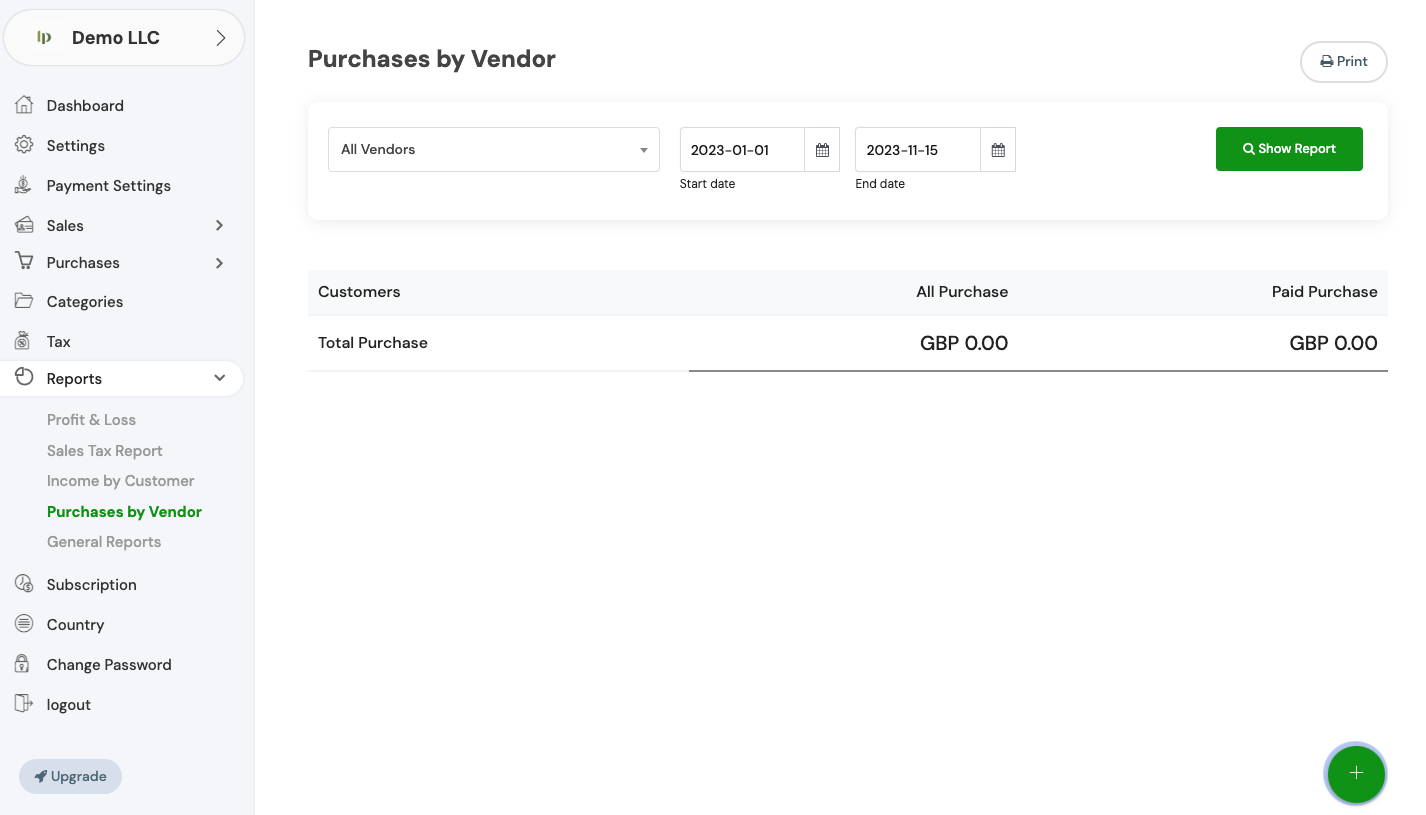

Professional Cost Tracking for SMBs in the USA, UK, and Europe

Master Your Supplier Spend with Purchases by Vendor Reports

Invopoint provides high-precision Purchases by Vendor Reports, empowering small and medium businesses to gain total clarity over supplier costs. Easily monitor purchase invoices, track historical spend, and manage vendor liabilities in one centralized B2B invoicing platform. Designed for the global market, our free software helps you optimize cash flow, simplify tax preparation, and make smarter procurement decisions with real-time financial data at your fingertips.

Banner image

Global Leader in B2B Invoicing & Reporting

1M+

Active SMBs

500M+

Secure Transaction Volume

10M+

Vendor Reports Generated

150+

Markets Served

Strategic Purchases by Vendor Analytics for Growth

Complete Visibility into Every Vendor Transaction

Supplier Spend Dashboards

Supplier Spend Dashboards

Instantly visualize total purchases by vendor to identify top suppliers, manage outstanding balances, and control your company's accounts payable.

Automated Cost Analysis

Automated Cost Analysis

Leverage automated analytics to track spending trends over time, helping SMBs reduce overhead and negotiate better terms with vendors.

Seamless Payment Sync

Seamless Payment Sync

Reconcile vendor invoices with Stripe or PayPal payments directly, ensuring your purchase reports always reflect your true financial status.

Exportable Financial Data

Exportable Financial Data

Generate professional CSV or PDF vendor reports ready for your accountant or tax filings in the UK, USA, or any European jurisdiction.

Unified Business Insights

Unified Business Insights

Scale your business with a platform that grows with you, providing the same enterprise-grade vendor tracking for startups and established SMEs.

Reporting & Analytics FAQ

Everything You Need to Know About Vendor Reports

Navigate to the 'General Settings' section in your Invopoint dashboard, select 'Change Password,' enter your current password, followed by your new password, and confirm your new password before clicking 'Save.

Click on the 'Forgot Password' link on the login page, enter your registered email address, and follow the instructions sent to your email to reset your password.

Go to 'General Settings' in your Invopoint dashboard, edit the necessary fields such as business name, address, contact information, and save the changes.

Click on the 'Upload Logo' option within the 'General Settings' section, select your logo file, and click 'Save.'

Banner Image
Free B2B Invoicing & Vendor Reporting

Take Control of Your Business Expenses

Join thousands of businesses using Invopoint to streamline their Purchases by Vendor Reports. Start today for free and gain the financial insights needed to thrive in the USA, UK, and European markets.

Newsletter

Subscribe our newsletter

By clicking the button, you are agreeing with our Term & Conditions