
Automate Sales Tax Reports & B2B Invoicing | Free Software by Invopoint

Simplify sales tax reporting for SMBs in USA, UK & Europe. Generate real-time reports, track VAT/GST, and send professional B2B invoices for free with Invopoint

Real-Time Tax Compliance

Automate Your Sales Tax Reporting with Invopoint

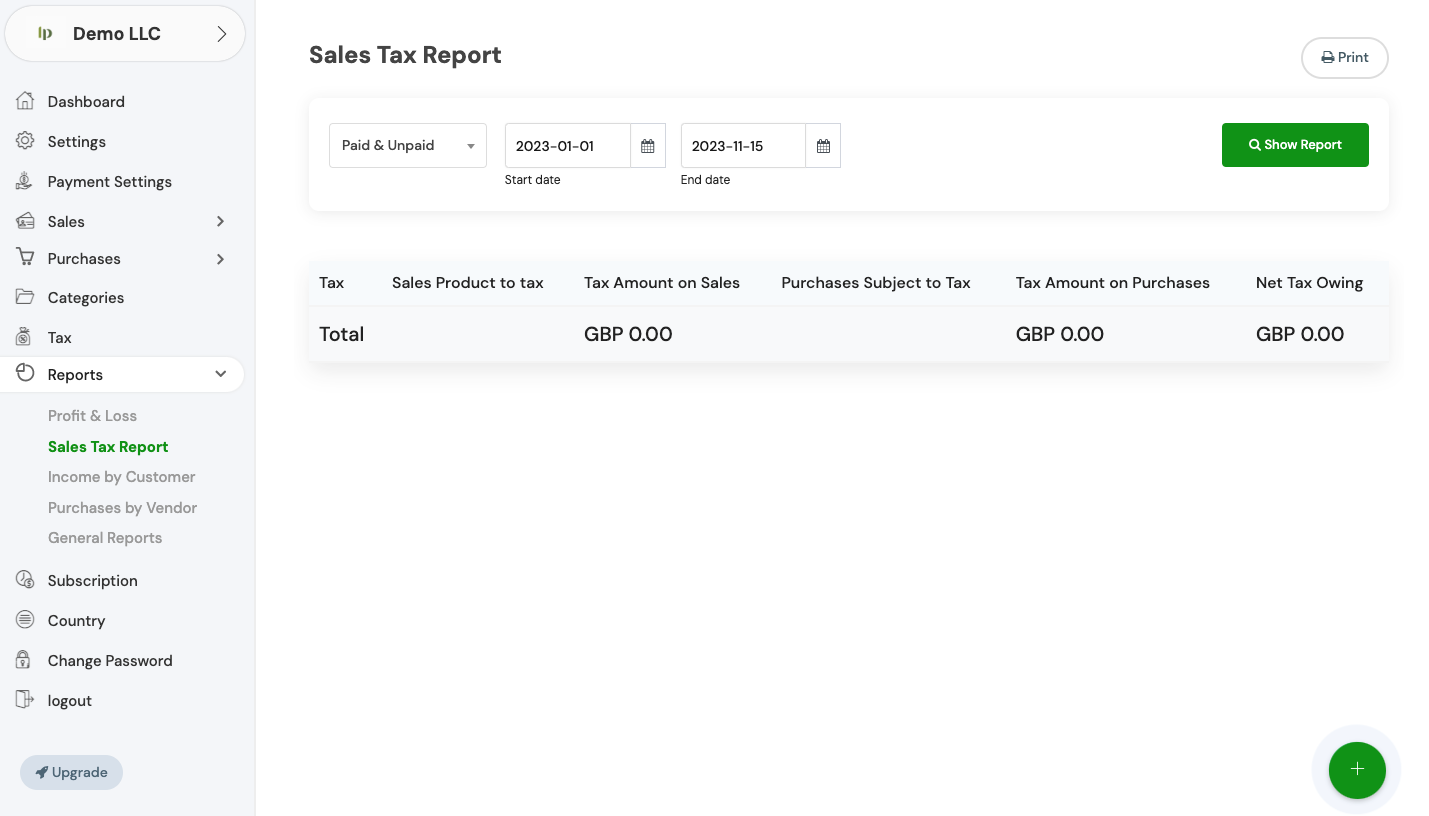
Invopoint provides a powerful, free solution for SMBs to manage sales tax compliance across USA, UK, and European markets. Effortlessly generate tax reports, track liabilities, and send professional B2B invoices. Bridge the gap between invoicing and accounting with our intuitive, cloud-based platform designed for global growth.

Banner image

Global Invoicing Power for Growing Businesses

500K+

Active Users

300K+

Tax Reports Filed

800K+

Invoices Sent

150

Supported Countries

Scale Faster, Stay Compliant

Advanced Tax & Invoicing Tools for Modern SMBs

Instant Sales Tax Reports

Instant Sales Tax Reports

Generate accurate sales tax and VAT reports in seconds. Ensure your business remains compliant with local tax laws in the US and Europe.

Smart B2B Invoicing

Smart B2B Invoicing

Craft, send, and track professional invoices with automated payment reminders to ensure you get paid on time, every time.

Global Payment Gateway

Global Payment Gateway

Accept multi-currency payments globally. Our platform supports credit cards, bank transfers, and digital wallets for seamless transactions.

Financial Health Insights

Financial Health Insights

Monitor cash flow, outstanding balances, and total equity through a centralized dashboard designed for business owners.

Seamless Cloud Sync

Seamless Cloud Sync

Access your financial data anywhere. Invopoint keeps your sales, taxes, and customer records synced securely in the cloud.

Common Tax & Invoicing Questions

Expert Guidance for Your Business Finances

Navigate to the 'General Settings' section in your Invopoint dashboard, select 'Change Password,' enter your current password, followed by your new password, and confirm your new password before clicking 'Save.

Click on the 'Forgot Password' link on the login page, enter your registered email address, and follow the instructions sent to your email to reset your password.

Go to 'General Settings' in your Invopoint dashboard, edit the necessary fields such as business name, address, contact information, and save the changes.

Click on the 'Upload Logo' option within the 'General Settings' section, select your logo file, and click 'Save.'

Banner Image
We're Here to Help

Expert Support for Your Growth

Have questions about sales tax reporting or international invoicing? Our dedicated support team is ready to help you optimize your workflow.

Newsletter

Subscribe our newsletter

By clicking the button, you are agreeing with our Term & Conditions