Automated B2B Invoicing & Tax Compliance for SMBs | Invopoint

Simplify B2B taxes with Invopoint. Free online invoicing for SMBs in USA, UK, and Europe. Automate tax calculations, track payments, and stay compliant effortlessly.
image
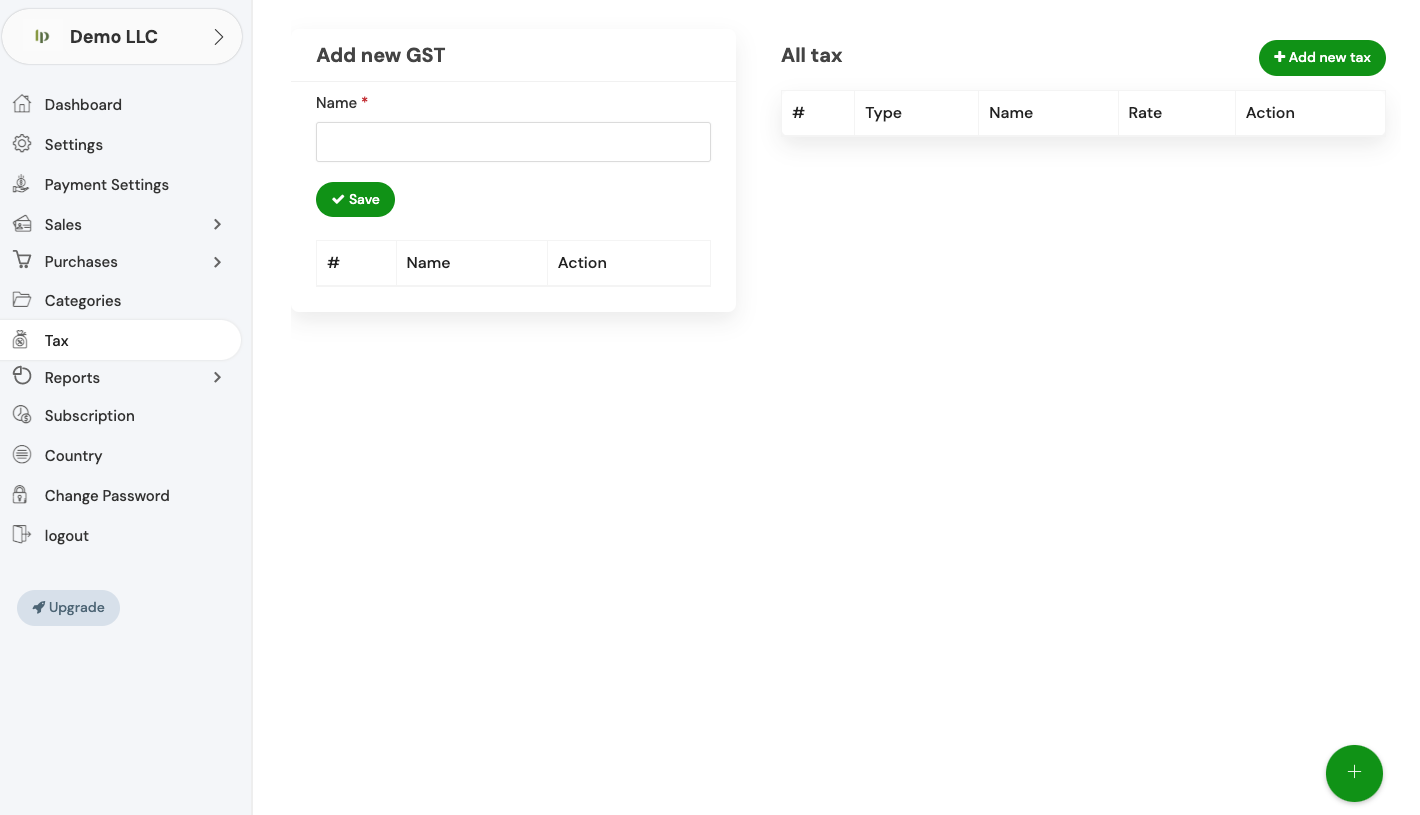
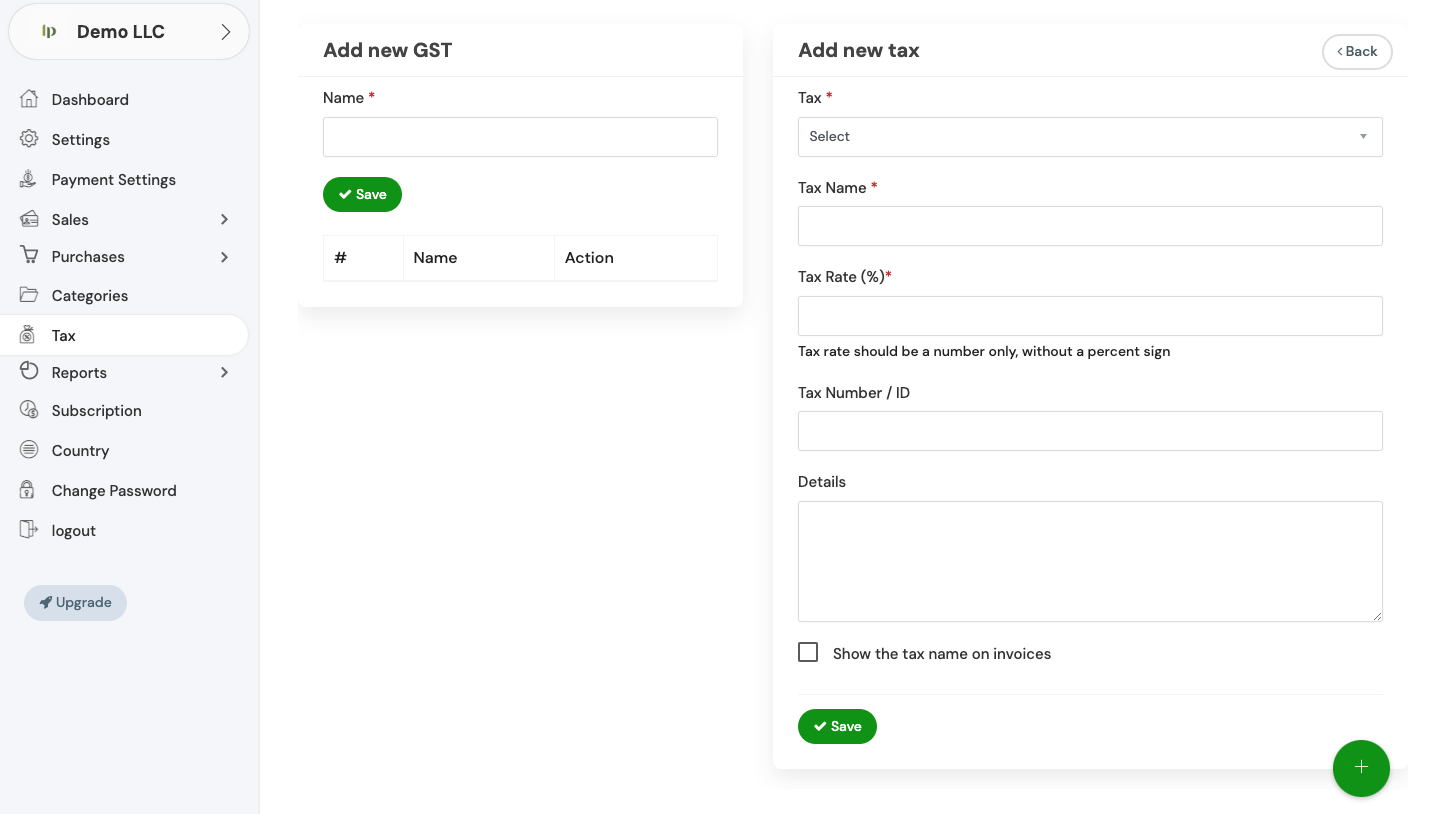
Tax Management

Master Global Tax Compliance with Invopoint

Automate your B2B tax workflows across the USA, UK, and Europe. Our platform ensures every invoice meets local regulations while you focus on scaling your business.

  • Automated VAT/GST
  • Audit-Ready Reports
  • Multi-Currency Support
  • Precise Tax Logic
  • Secure Global Payments
  • 24/7 Expert Support

25k+

Regions Covered

10Kk+

Active Businesses

99k+

Accuracy Rate

Grow with Invopoint

Scale Faster with Smart Tax Automation

Invopoint simplifies the complexity of international trade for SMBs. From automated sales tax to real-time liability tracking, our tools integrate with your workflow to eliminate manual errors. Join thousands of entrepreneurs saving hours on tax prep every month.

Banner image

The Trusted Choice for SMB Financials

300K+

Users Worldwide

5M+

Taxes Calculated

98%

Fast Payments

150Countries

Markets

Effortless Invoicing

Simplified Tax Solutions for Modern Business

Compliant Invoices

Compliant Invoices

Generate professional B2B invoices that automatically include required regional tax details.

Real-Time Analytics

Real-Time Analytics

Track your tax liabilities and financial health instantly with our intuitive dashboard.

Auto-Calculations

Auto-Calculations

Stop manual math; our engine calculates local taxes based on client location automatically.

Enterprise Security

Enterprise Security

Protect sensitive financial data with bank-grade encryption and secure cloud storage.

Dedicated Support

Dedicated Support

Access specialized guidance to help navigate complex B2B tax requirements in new markets.

Common Tax & Invoicing Questions

Expert Insights

Navigate to the 'General Settings' section in your Invopoint dashboard, select 'Change Password,' enter your current password, followed by your new password, and confirm your new password before clicking 'Save.

Click on the 'Forgot Password' link on the login page, enter your registered email address, and follow the instructions sent to your email to reset your password.

Go to 'General Settings' in your Invopoint dashboard, edit the necessary fields such as business name, address, contact information, and save the changes.

Click on the 'Upload Logo' option within the 'General Settings' section, select your logo file, and click 'Save.'

Banner Image
Get Started Today

Ready to Simplify Your Taxes?

Stop stressing over tax season. Use Invopoint to streamline your B2B invoicing and stay compliant across the USA, UK, and Europe. Our team is here to help you set up in minutes.

Newsletter

Subscribe our newsletter

By clicking the button, you are agreeing with our Term & Conditions